One connector, the major image and video models.
My old ad workflow was Claude for the storyboard, ChatGPT for the images and Higgsfield for the video. Three apps for one ad.
Sume is a connector you add to Claude. Once it's connected, you ask Claude for an image or a video in a normal chat, and Sume runs the model for you: GPT Image, Nano Banana, Seedance, Kling, Veo and others.
You pay Sume per image or video, from a balance you top up. Sume's pricing page says every model is charged at the provider's price, with 0% markup, and there is no subscription.
You need two accounts.
Claude asks before every paid generation unless you change that in Step 4. Keep it on while you learn what things cost.
Connect Sume to Claude.
Open the connector settings
In Claude, open Customize, then Connectors. Click + Add, then Add custom connector.

Paste the Sume link
Name it Sume and paste this as the server URL:
https://mcp.sume.com/mcp
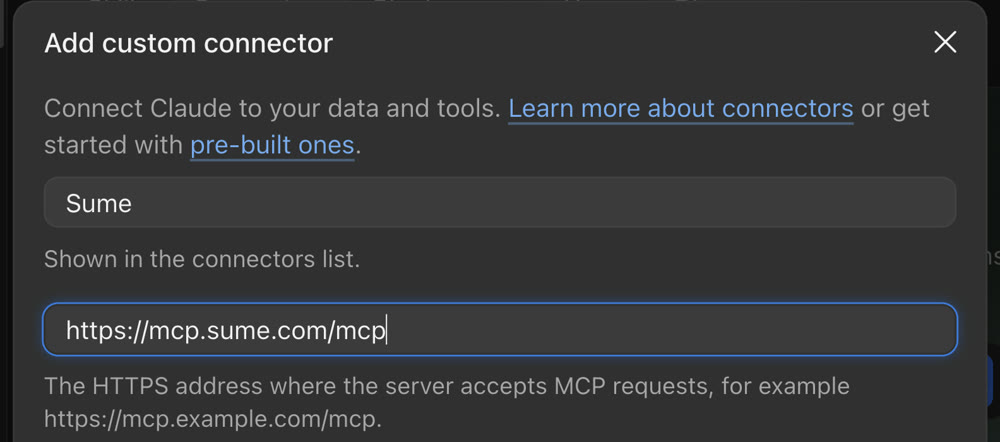
Select Continue, then Add.
Sign in and allow
A Sume sign-in window opens. Sign in, select Allow, and keep "Create and spend credits" on. If you're already signed in to Sume, Allow is the only step. When it's done, Sume shows as Connected in your connectors.
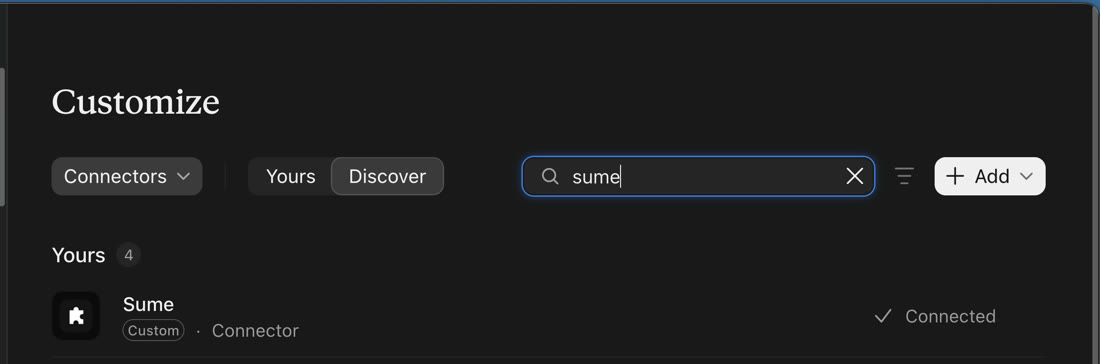
Optional: stop the permission pop-ups
In Connectors, open Sume and set its tool permissions to Always allow, so Claude doesn't ask before every call. Then start a new chat and ask for an image or a video.
The workflow I used for the ad.
The first version of my ad looked fine shot by shot, and fell apart as a sequence. The barista made the coffee in a ceramic cup, handed over a takeaway cup, and the customer drank from a ceramic one again. A stranger's hand appeared in one shot. These six steps are what fixed it.
Plan the story in shots, in order
Ask Claude for a storyboard: three 5-second shots that tell one story. Mine was make the drink, hand it over, first sip. Check the order before you make anything. My first cut had the hand-off before the pour, and you only notice once it plays.
Lock each character with a reference sheet
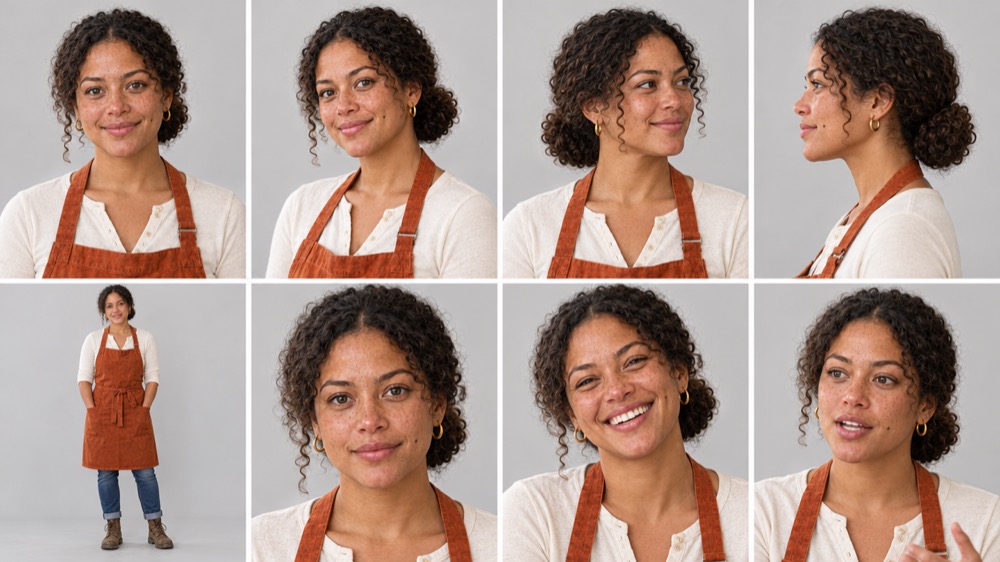
Make one portrait per person, then ask for a character reference sheet from it: front, both three-quarter views, profile, full body and three expressions. Write the outfit into the prompt in plain words, and use that same sentence in every prompt after it.
Lock the product as its own reference
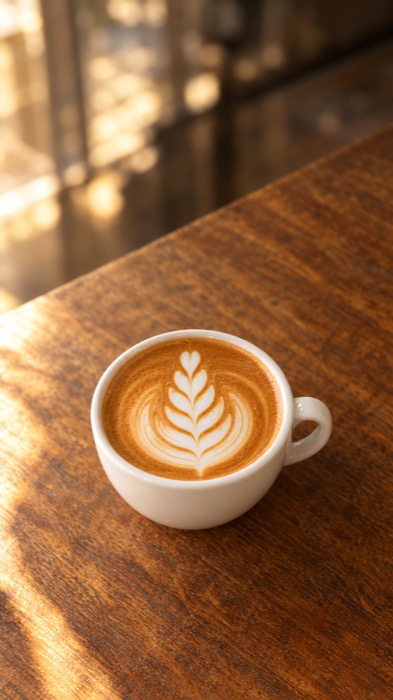
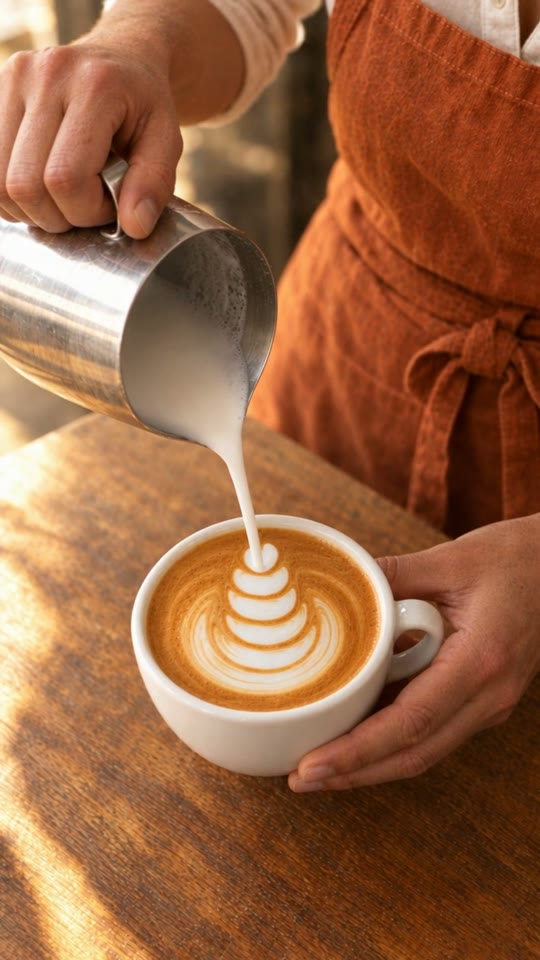
Whatever you're selling appears in more than one shot, so give it one reference image of its own: the exact cup, the exact latte art. Every later prompt points at it: "the white ceramic cup from the reference image".
Make the first frame of every shot
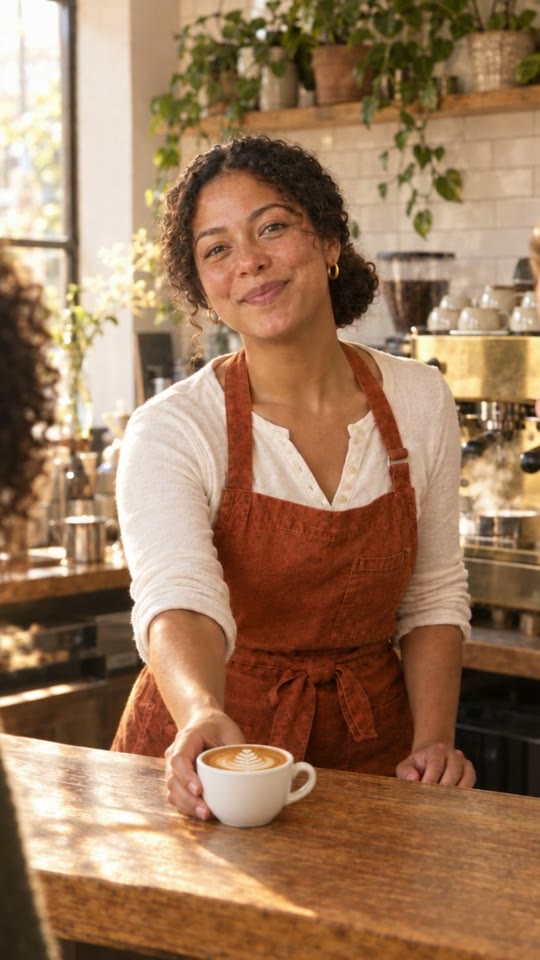
For each shot, make a still with the references attached: the character sheet, the product and the setting. This is where consistency is won. A still costs cents; a video that drifts costs more to redo.

Animate each shot from its frames
Ask for a 5-second Seedance 2.5 clip that starts on that still. Where one shot leads into the next, give it the next shot's first frame as its last frame too. Chaining frames like this is what keeps the cup and the hands the same across cuts.
Check every clip before you stitch
Watch each clip frame by frame for the things models get wrong: an extra hand, a prop that changes, a sleeve that changes, a line of dialogue you didn't ask for. Fix only the shot that's wrong, then stitch the three clips in any video editor.
Two more fixes from my run. Ask for "natural skin texture with visible pores, no retouching, no beauty filter", or faces look airbrushed. And say "silent sip, no drinking sounds" if anyone drinks on camera, or you get a loud slurp.
Copy these and swap the brackets.
These are trimmed from the prompts that made the ad. Paste each one into a Claude chat with Sume connected, and attach the reference images where they say so.
1. The storyboard
Plan a 15-second vertical (9:16) ad for [your business]: three 5-second shots that tell one story, in this order: [beginning], [middle], [end]. For each shot give me the first frame, the motion and the sound. Use the same [character] and the same [product] in every shot. No text or logos on screen.
2. The character reference sheet
Character reference sheet of the person in the reference image, 8 panels in a clean grid on a plain light grey background: front view, three-quarter left, three-quarter right, profile, one full-body standing shot, and three close-up expressions (neutral, laughing, talking mid-sentence). Keep exactly the same face and hair in every panel. Wardrobe in every panel: [exact outfit in plain words]. Realistic photo, natural skin texture with visible pores, no retouching, no beauty filter. No text, no labels, no numbers.
3. The product reference
Product reference photo of the exact [product] from the reference image, alone on [surface], shot from slightly above. [Describe the details that must never change.] No hands, no people. [Lighting], shallow depth of field, realistic photo. No text, no logos.
4. The first frame of a shot
Photorealistic vertical film still, same setting, framing and light as the first reference image. The [character] from the second reference image (same face, hair and [outfit]) [what they are doing], with the [product] from the third reference image. Natural skin texture, pores visible, no retouching. No text, no logos.
5. The video clip
Make a 5-second 9:16 Seedance 2.5 clip that starts on this image [and ends on the next shot's first frame]. [The action, in the order it happens.] Slow gentle push in. The [character]'s face, hair and [outfit] stay exactly the same, natural skin texture, not smoothed. The same [product] throughout. Exactly one [hand / person] in shot unless I say otherwise. Sound: [ambience]. No text appears.
The real numbers from my Sume balance.
| What went into the final ad | Count | Cost |
|---|---|---|
| Images (GPT Image 2.5: sheets, product, first frames) | 7 | $1.45 |
| Video clips (Seedance 2.5, 720p, 5 seconds) | 3 | $3.48 |
| Final ad | $4.93 |
Honest version: my first attempts, the skin fixes and the reshoots took the whole day to $14.21. The workflow above is what I'd follow from the start next time, because the reference sheets and first frames are what stopped the expensive redos. Prices are what Sume charged me in November 2026 and can change.
Where to start in your business.
- A 15-second product ad: make it, show it, use it. The same three-shot story as the coffee ad.
- A service in three steps: before, during, after, with the same person in each shot.
- A week of post images: one character sheet, then seven images of the same person in different settings.
- An ad variation test: keep the first frames, change one line of the clip prompt, compare the versions.
Know this before you post.
- Small details still drift. In my final ad the latte art is a little simpler in shot 2. Pause on any frame and you'll find something.
- Models add things. My hand-off clip added a spoken reply I never asked for. I kept it, but check the audio on every clip.
- Every redo costs money. A 5-second clip cost me $1.16. Fix the still first, then animate.
- Output size is modest. My images and clips came back at 720x1280, fine for a phone feed but not for a big screen.
- Plan for the edit. I stitched the three clips into the final ad in a video editor.
Muhammad Asmal
Muhammad Asmal is the founder of Asmal Digital and AI Lead Builder. He helps business owners put AI to work in practical ways, drawing on more than 13 years of digital marketing agency experience. He has delivered in-person AI workshops across the US, South Africa and Dubai, and his AI education content has passed 10 million views across TikTok and Instagram.
Build with a community behind you.
Join the AI Lead Builder community for practical support putting AI to work in your business.
Your membership brings together weekly live working sessions with Muhammad (recorded), the platform for your CRM, funnels and follow-up, the Agency OS plugin, and the community.
Get help, live
Weekly working sessions with Muhammad and a community of operators building the same thing.
Build and put it to use
Agency OS plus software for your CRM, funnels and follow-up.
Hear it from members, on camera
Straight from the community chat
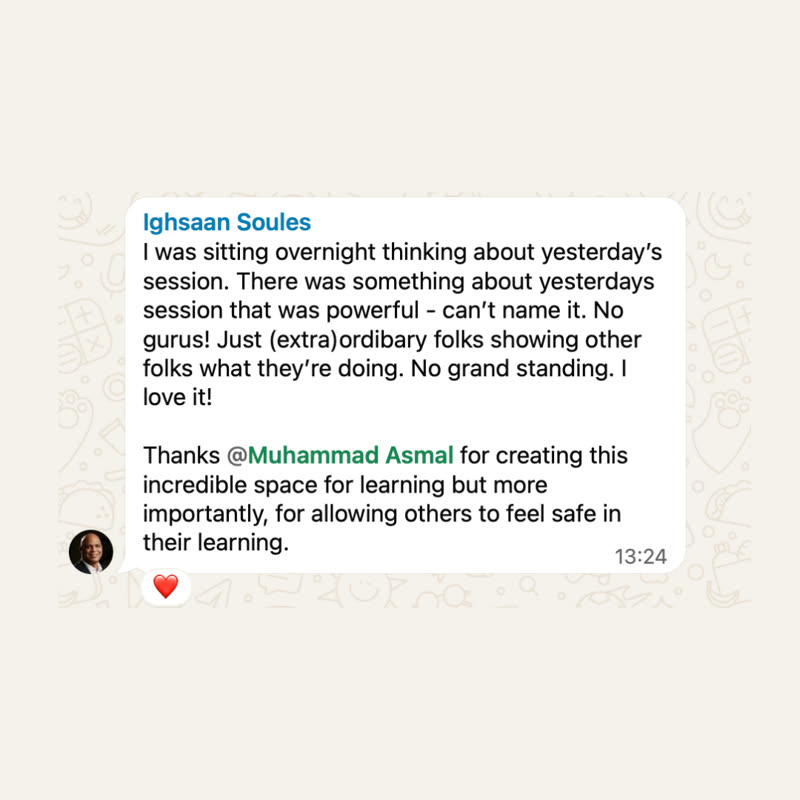
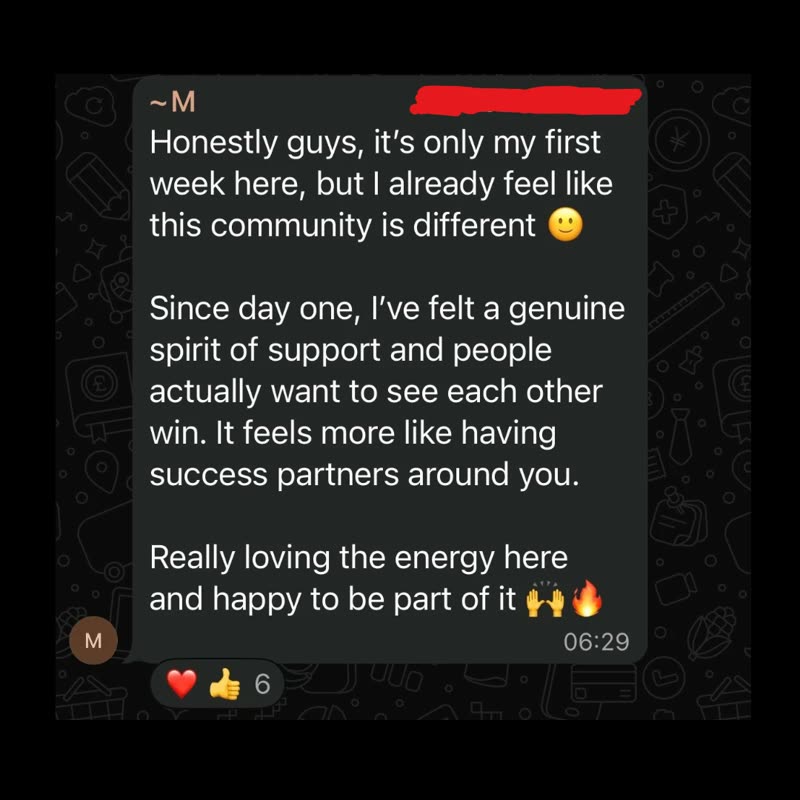
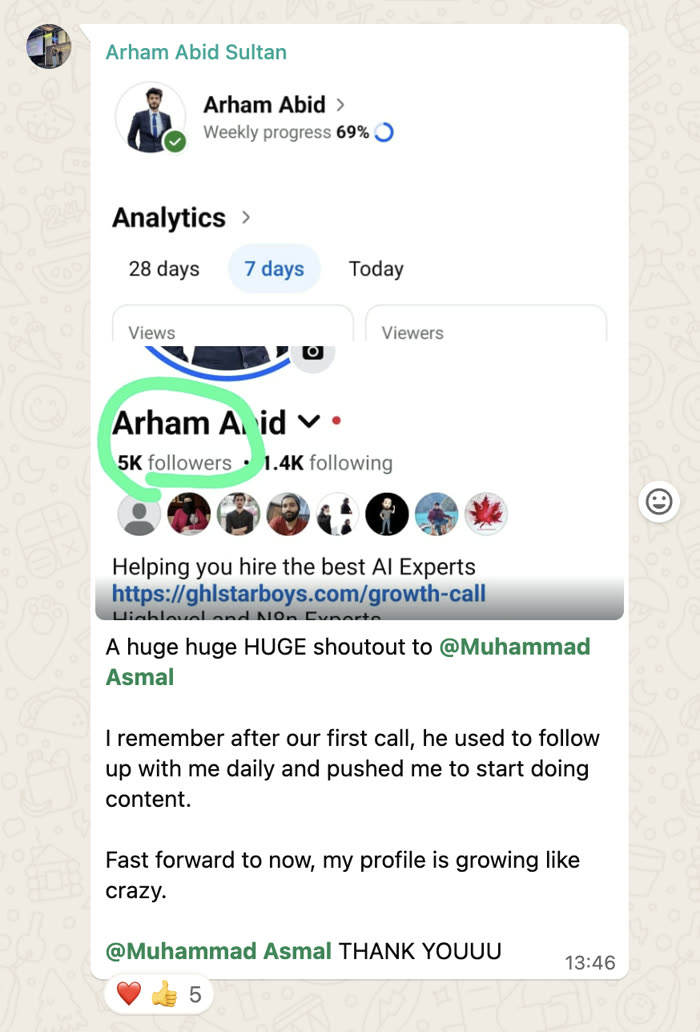
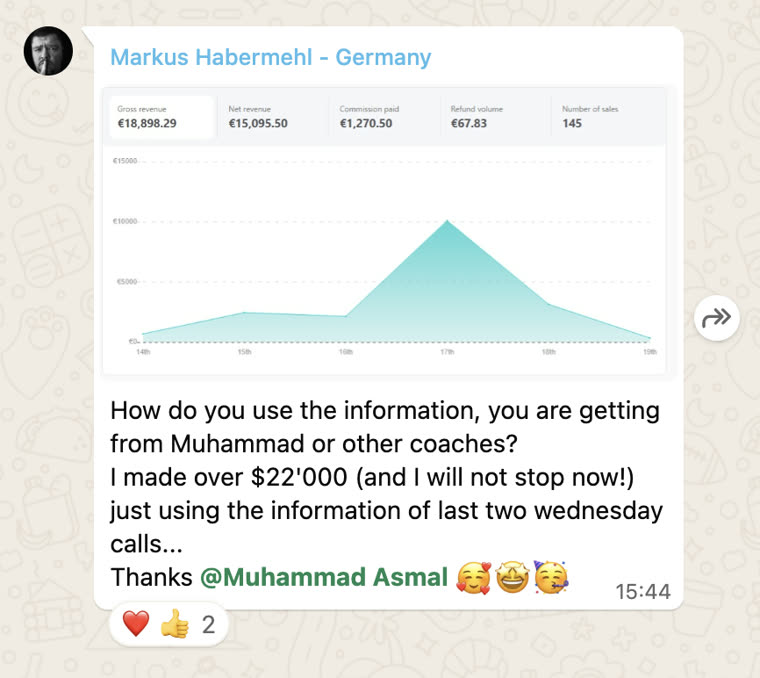
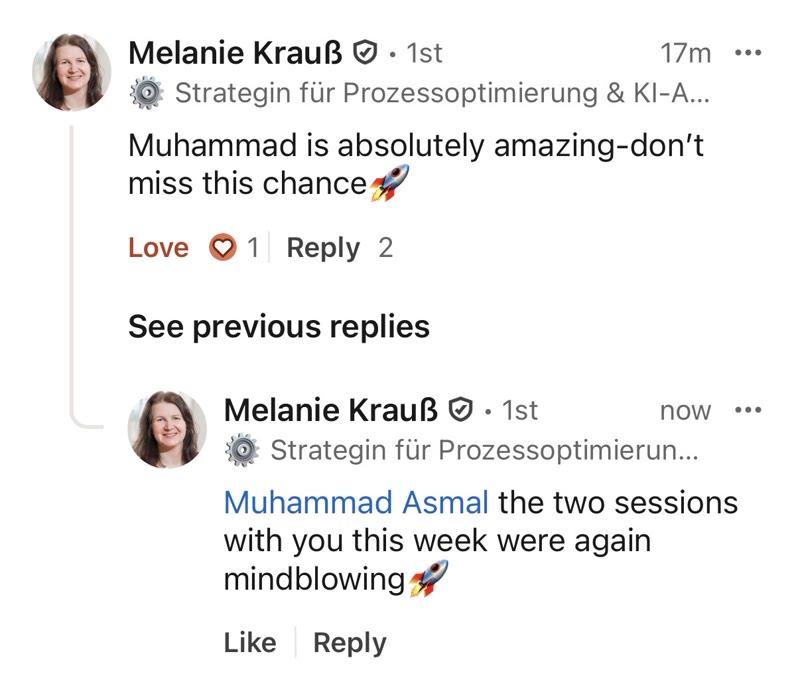
Shared with each member's permission. Individual results vary.
Cancel anytime.
Join AI Lead Builder See the membership details and current offer on the next page.